Inspect, report an incident, run a toolbox talk: all with no signal
Underground, on a plant or at a remote site, the app works without a connection and syncs when it is opened back in range. On Google Play for Android.
Get the Inspecable app on Google Play
Is there an inspection app that works offline underground?
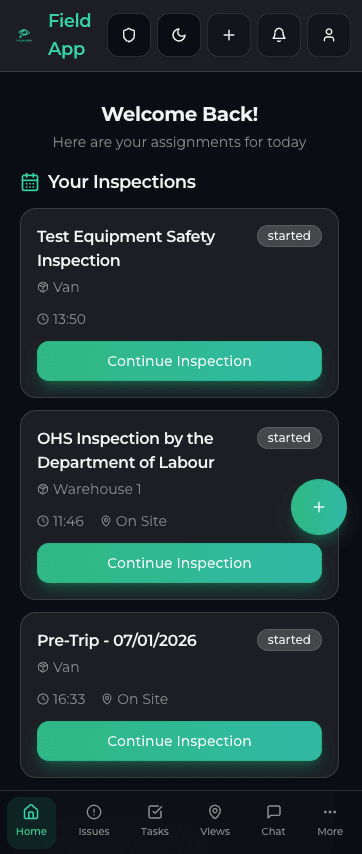
The app your people carry. Home with the weather safety card, inspections and the runners, the three-step sign-off with a signature, reporting an issue with photos, the Safety actions, shifts with the fitness gate, and working offline: the app keeps a working set for up to seven days so the shift carries on when the signal does not.
Chapters, transcript and the rest of the seriesWhat the inspector, the supervisor
and the artisan carry
Inspections, incidents, documents and training on the Safety & Compliance edition; jobs and clock-in on the Operations plan.
Inspections with no signal
Your checklists with photo, video and a signature on each item. Queued on the phone and synced when the app is opened back in range.
Incidents and near misses
Report an incident, a near miss or an observation with photos and video, offline. Toolbox talks with a roster, too.
QR label per asset
Scan the label to open the asset, its inspection history and open issues, or to start its inspection (needs a connection for the lookup).
Jobs and sign-off (Operations plan)
A technician sees only their own jobs, starts and completes them, and signs off with photos and parts used. On the Operations plan.
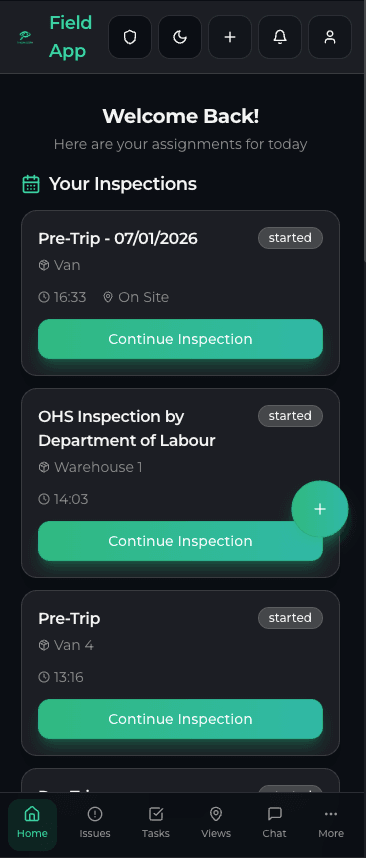
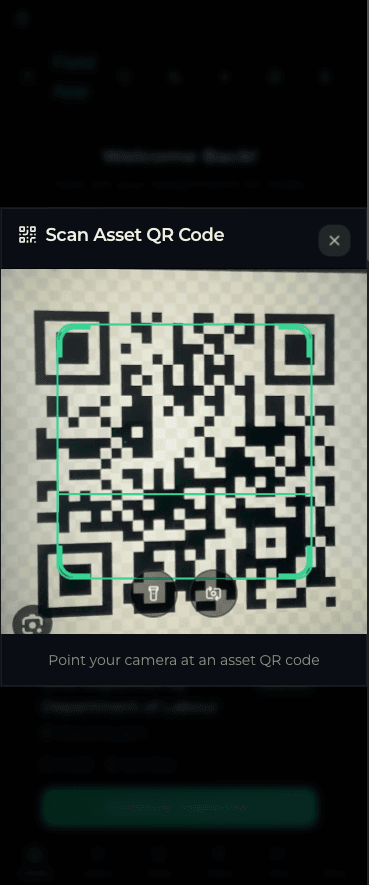
Scan the label. Run the checklist. The failed item becomes an issue.
- Scan a QR label to open the asset and its inspection history
- Run the checklist with photo, video and a signature on each item
- A failed item raises a tracked issue with a due date on the spot; a manager assigns the owner
- Assigned inspections show on My Day with their due dates
The current procedure and the asset's manual, in the pocket
The current version of each document reads offline, and acknowledging it is recorded by version. SpecBot on the asset answers from that asset's manuals and history.
- Documents: the current version offline, with read-and-acknowledge by version
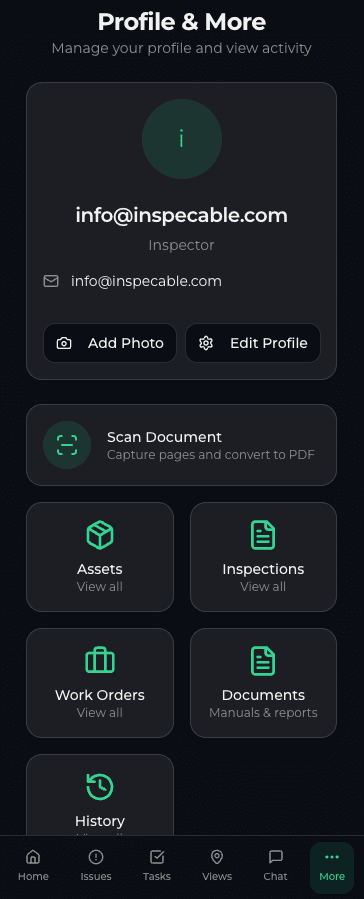
- Scan a paper document to PDF on the phone
- SpecBot on the asset, grounded on its manuals and history (a cached summary offline)
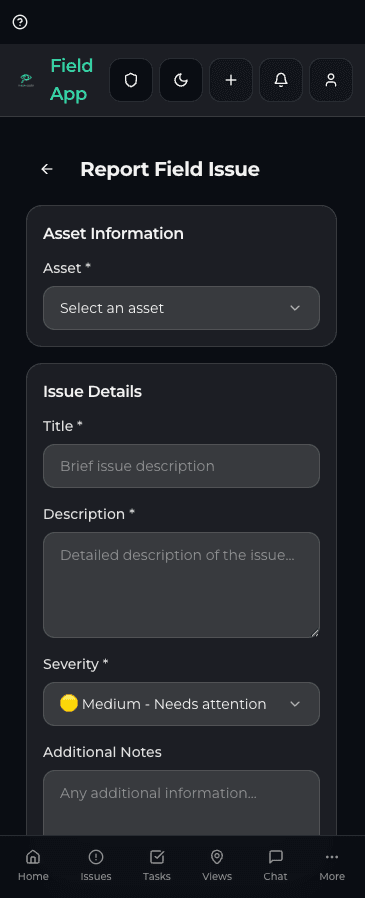
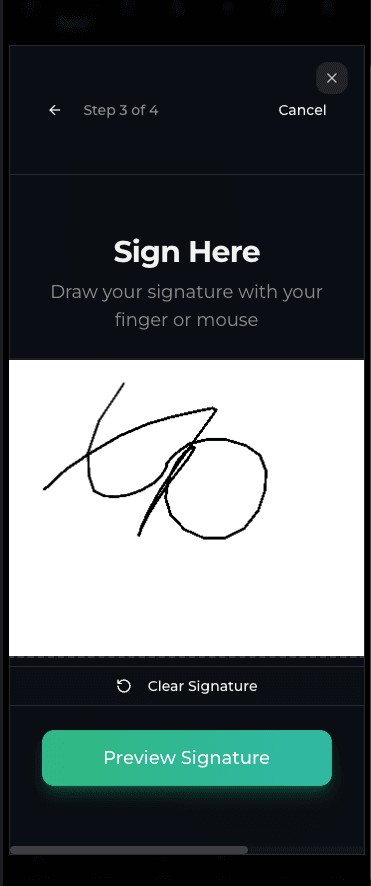
Photos, notes and signatures, on the record
Every inspection produces a signed PDF with its photos, and a hash-chained history of who signed and amended it that you can verify from the phone or the dashboard.
- Photo and video on each item, with the time captured
- A drawn signature to sign off the inspection
- Severity on every issue, which sets its due date
No signal? No problem.
One online warm-up caches the checklists and assets; after that the app works underground, on a platform or at a remote site.
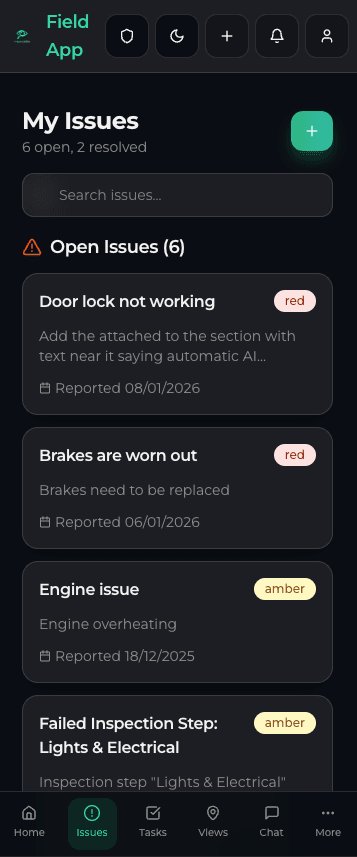
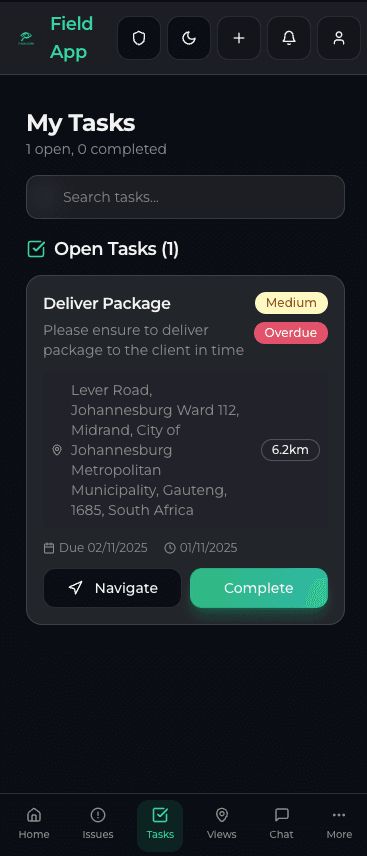
Offline, then synced
Inspections, incidents, toolbox talks and drill attendance queue on the phone and sync when the app is opened back in range. There is no background sync while the app is closed.

Role-based access
A field user sees their own inspections, documents and training. Roles are enforced in the database, not only in the app.
Full inspections with no signal, synced when the app is back in range
On Google Play; the web dashboard runs in any browser
One label per asset opens it or starts its inspection
A PDF with its photos for every completed inspection
Offline, photos and GPS: asked before choosing
Run your own checklist on a phone with no signal
A 14-day trial on the Safety & Compliance edition, no card. Install the app from Google Play and import a paper form.