What changes when the inspection leaves the clipboard
Paper proves the inspection happened. Excel tracks the action. Neither can show the inspector of mines, or your own manager, the evidence behind a closed finding.

Inspecable vs paper and Excel
"Manual" means it can be done, by someone remembering to do it.
| What you need | Inspecable | Paper | Excel |
|---|---|---|---|
| Inspections with no signal, synced later | |||
| Photo, video and signature on each item | |||
| A failed item raises a tracked issue with a due date | Manual | Manual | |
| Corrective action cannot close without evidence and a signature | |||
| Permit to work blocked until every signatory has signed | Manual | ||
| Legal register seeded from the MHSA or OHS Act | Manual | Manual | |
| Per-asset inspection history and health score | Manual | ||
| Verifiable history of who signed and amended what | |||
| A date range of signed PDFs exported as one ZIP | |||
| Training records with verifiable certificates | Manual | Manual | |
| Import an existing paper form | N/A | Manual | |
| Free 14-day trial | N/A | N/A |
The record, the action and the evidence, together
Inspecable connects each inspection to the issue it raised, the corrective action that closed it, and the asset it belongs to.
From paper
A paper checklist records that the inspection happened. It does not raise an action, remind anyone, or let a mine manager find last month's finding on a conveyor in a minute.
From Excel
A spreadsheet register has no evidence attached, no signature on closure, and no history of who changed a cell. It tells you an action was marked closed, not that it was.
To one record per inspection
A signed PDF, the photos, the issue it raised and the corrective action that closed it, all on the asset. Offline on Android, in rand.
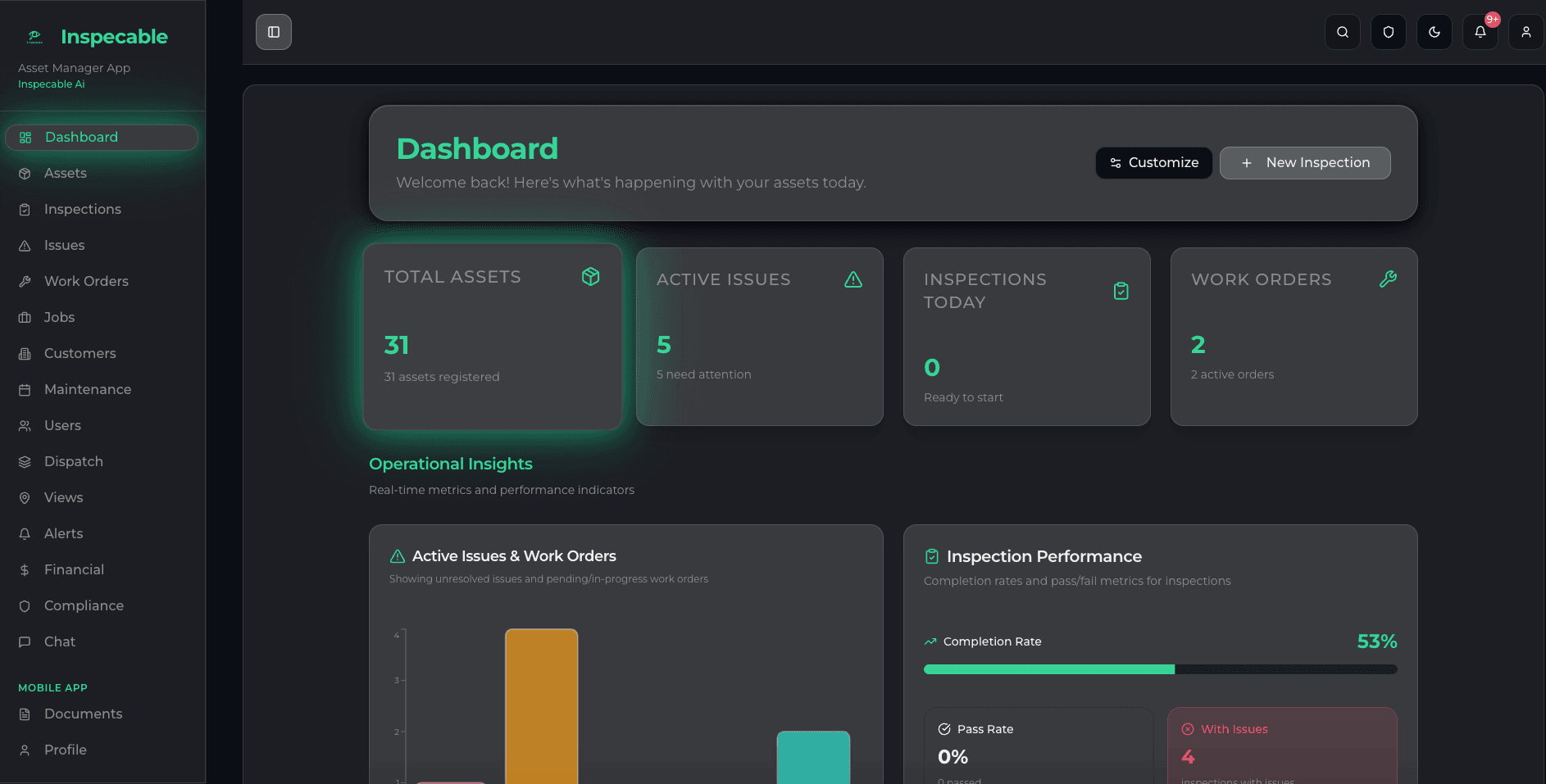
One record from inspection to closed-out action
- A failed item raises a tracked issue with a due date on the spot
- Checklists built from the MHSA and OHS Act legal-register packs, or imported from your paper forms
- Open, overdue and closed actions on one dashboard
- A hash-chained history on every inspection, verifiable from the dashboard or the phone
- Works underground and offline; syncs when the app is back in range
Works where your teams actually work
Paper works underground because it needs nothing. So does the Inspecable Android app: inspections, incidents and toolbox talks with no signal, synced when the app is opened back in range.
- Full inspections with no signal on Android
- Scan a QR label to open the asset or start its inspection
- Photo, video and signature on each item
- Training courses and certificates in the same system

Full inspections with no signal, synced when the app is back in range
Every inspection carries a history you can check
Safety & Compliance by default; Operations switched on for you
Per field user per month, in rand
Compared with the tools buyers shortlist
Each page states only what the vendor's own site, pricing page and help documentation say, read on a stated date, and starts with where that vendor may be the better fit.
Inspecable vs Mitti (SafetyCulture, iAuditor)
Inspecable and Mitti (still widely called SafetyCulture or iAuditor) compared from its own pages: offline, actions, USD or rand pricing. See the table.
Inspecable vs AssetPool
Inspecable and AssetPool Nova compared from its own pages: offline, what follows a failed checkpoint, exports, flat USD tiers or rand per user.
Inspecable vs GoAudits
GoAudits, SafetyCulture (Mitti) and Inspecable compared from their own pages: offline limits, templates, USD or rand pricing, actions. See the table.
Inspecable vs GoCanvas
Inspecable and GoCanvas compared from GoCanvas’ own pages: offline behaviour, failed-check follow-up, integrations, USD or rand pricing. See the table.
Inspecable vs Inspectivity
Inspecable and Inspectivity compared from Inspectivity’s own pages: engineering inspections, offline on Android, AUD or rand pricing. See the table.
Inspecable vs Intelex
Inspecable and Intelex compared from Intelex’s own pages: enterprise EHSQ breadth, a 25-user minimum in USD, offline by plan, SA records. See the table.
Inspecable vs IsoMetrix
Inspecable and IsoMetrix compared from IsoMetrix’s own pages: EHS and ESG breadth, a Johannesburg office, quote-only pricing, offline. See the table.
Inspecable vs InspectAll
Inspecable and InspectAll compared from InspectAll’s own pages and docs: offline, what happens to a failed item, scheduling, platforms and pricing.
Before you move off paper
Is a paper inspection checklist still acceptable under the MHSA?
Yes. The Mine Health and Safety Act requires that the inspection be done and the record kept; it does not prescribe paper or digital. The difference is what happens after a failed item, and whether you can produce the record and its evidence when the inspector of mines asks.
Can we keep our existing checklists?
Yes. Upload an Excel sheet, a PDF or a phone photo of the paper form and the AI turns it into a digital checklist you review before it goes live. Your wording and sequence stay as they are.
What does moving off Excel actually change?
A corrective action gets an owner and a due date, and it cannot close without a method, evidence and a signature. Every inspection keeps a verifiable history of who signed and amended it. A date range of inspections exports as one ZIP with an index spreadsheet, so the spreadsheet still exists, it is just generated.
Run your paper form on a phone with no signal, this week
A 14-day trial on the Safety & Compliance edition, no card. Import the form, run it, and watch the failed item raise a tracked action.
Already comparing? View pricing.