Your whole day, in your pocket
Inspections, incidents and sign-offs in one Android app that works with no signal. Job cards and work orders on the Operations plan.

Field friction that costs you time
The daily slowdowns Inspecable takes off your plate.
forms that will not load underground or at a remote site
back to the office for the asset history and job details
pre-start books, incident forms and job cards to juggle
Everything you need, right in your pocket
One app replaces the paper forms and the calls back to the office.
Offline inspections
Complete checklists with photo, video and signature per step, with no signal. Records sync when the app is opened back in range.
My Day
Inspections assigned to you with a due date show on My Day, with the asset, the checklist and its manuals ready before you start.
Jobs and work orders
Accept a job card, update it, capture a signature and close it from your phone. On the Operations plan.
Incidents and near misses
Report an incident, near miss or observation from the phone with photo and video, offline.
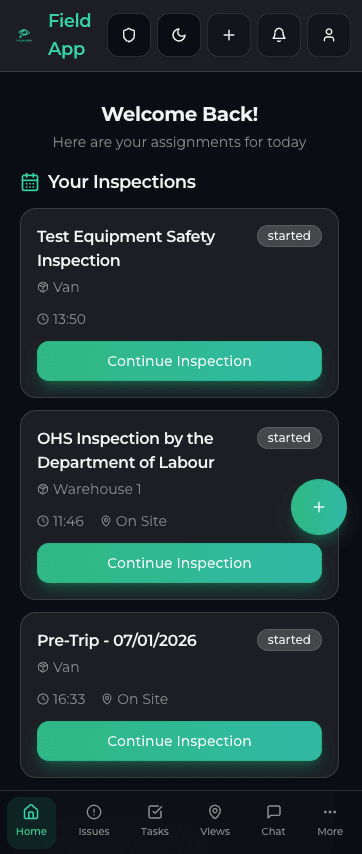
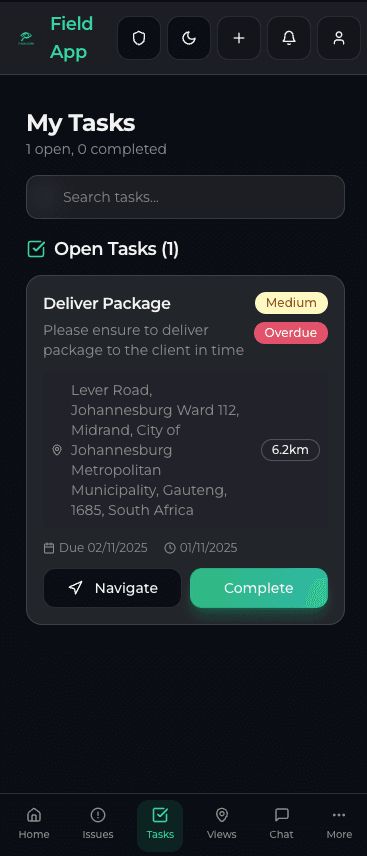
Open the app — My Day is already there
- Today's inspections and assignments on My Day, each with a due date
- The asset's history and manuals before you start, and SpecBot to ask on the spot
- Checklists with photo, video and signature per step
- Syncs when the app is opened back in range
From inspection finding to closed job — no paperwork
A failed item raises a tracked corrective action with a due date on the spot. On the Operations plan it becomes a work order or job card: accept it, update status, capture a sign-off and close it from your phone.
- Receive and accept job cards on your phone (Operations plan)
- Photo evidence and customer signature in the app
- Kiosk clock-in and time and attendance (Operations plan)

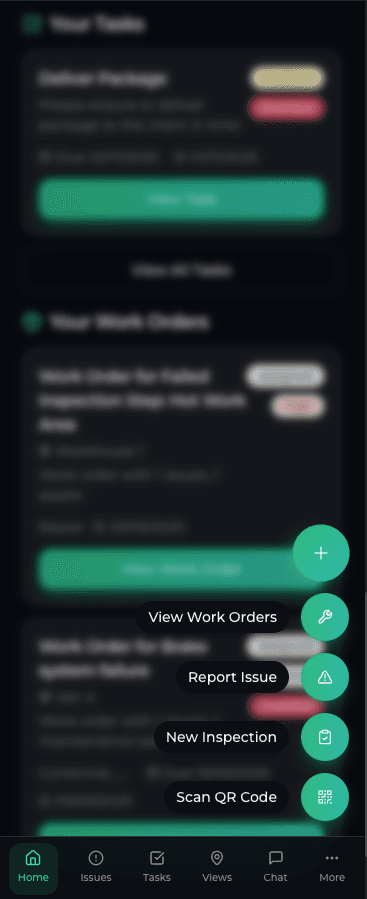
What the app does between clock-in and the last job
A field technician’s day is spent away from the office and often away from signal: in a plant room, down a shaft, at a pump station two hours from town. Everything below works on an Android phone; what needs a connection says so.
- Start of shift
Clock in, and see the day
My Day lists the inspections assigned to you with their due dates. On the Operations plan you clock in inside the site’s geofence through a fitness-to-work check (medicals, tickets and required courses can pass, warn or block), offline, and a shared kiosk covers anyone without a phone.
Fitness for duty record template - At the machine
Know the asset before you touch it
Scan the asset’s QR label to open its record (the lookup needs signal), with its inspection history and manuals. SpecBot answers questions from that asset’s own manuals and history; with no signal it shows the summary it cached last.
SpecBot and the AI features - No signal
The inspection itself
Work through the checklist with a photo, video or document per step and your signature at the end. Template logic can require a photo before a step passes or fail an item outright. A failed step raises a tracked issue with a due date there and then; it all syncs when the app is opened back in range.
The offline Android app - Next job
Job cards on your phone
On the Operations plan you see only your own jobs. Start one, record photos, parts and GPS, take the customer’s signature and complete it, offline, without a call back to the office for the job details.
For service companies - Before you leave
Toolbox talk and the near miss
Run the toolbox talk with its roster and photos, offline. If something nearly went wrong, report the near miss from the phone with photo and video. Both go to the same records the SHEQ team works from.
Toolbox talk record template
Plainly: the app is Android only, there is no iPhone app, and the first sign-in needs a connection so your checklists and assets can be cached for offline use.
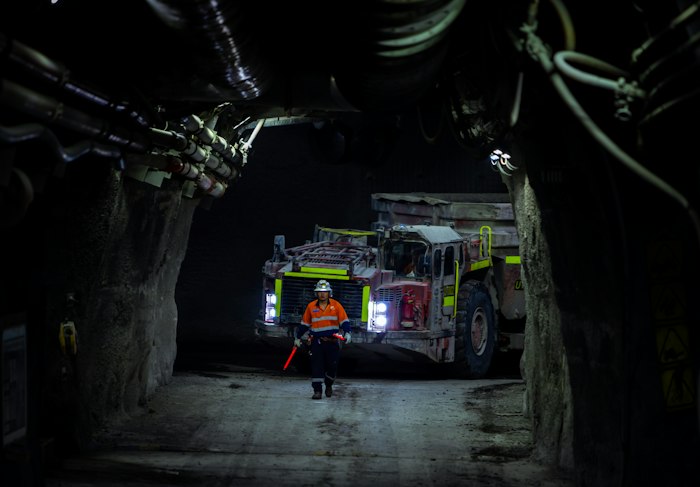
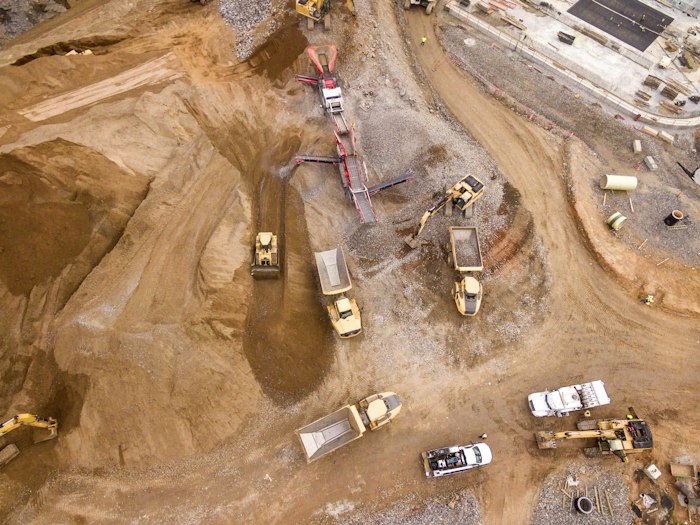
Built first for mines under the Mine Health and Safety Act and process plants under the OHS Act.
Ready to simplify your workday?
Start a free trial on the Safety & Compliance edition and run your first inspection offline today.