See the recorded cost of every asset
The inspection that found the defect, the repair and what it cost, on one asset record. Work orders, parts and purchase orders log against each machine on the Operations plan, with depreciation and TCO alongside.

Visibility gaps that hurt your bottom line
Most asset cost data is buried in spreadsheets or only visible after the damage is done.
repair spend that nobody can tie back to the inspection that should have caught it
purchase orders, parts and depreciation in three different spreadsheets
to compile asset cost data from disparate spreadsheets
Cost on the asset's own record
The same records operations work from, in a form finance can use.
Depreciation and TCO
Depreciation and total cost of ownership held per asset, alongside its inspection history and health score. On the Operations plan.
Cost on the asset record
Work orders and parts log against the asset they were spent on, so the cost per machine sits on one record. On the Operations plan.
Budgets
Budgets by site or department, with spend against them visible on the dashboard. On the Operations plan.
Purchase orders
Purchase orders raised and tracked against the parts and work they pay for. On the Operations plan.
Asset health score and timeline
A health score per asset and a timeline of inspections and actions, so you see the trend before renewal time.
Exports for the board pack
Thirteen catalogue reports to XLSX and PDF, and XLSX list exports of assets, actions and work orders.
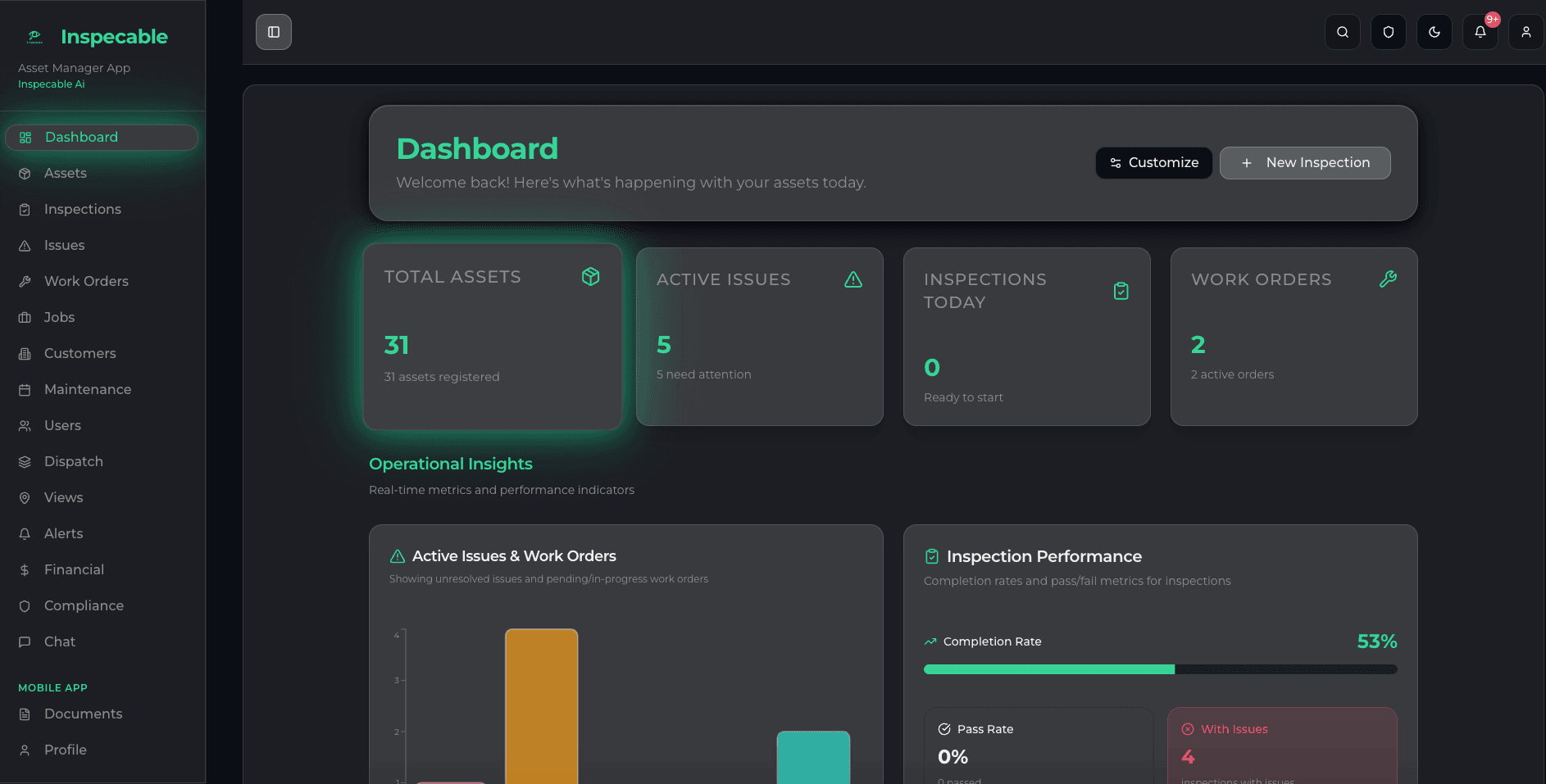
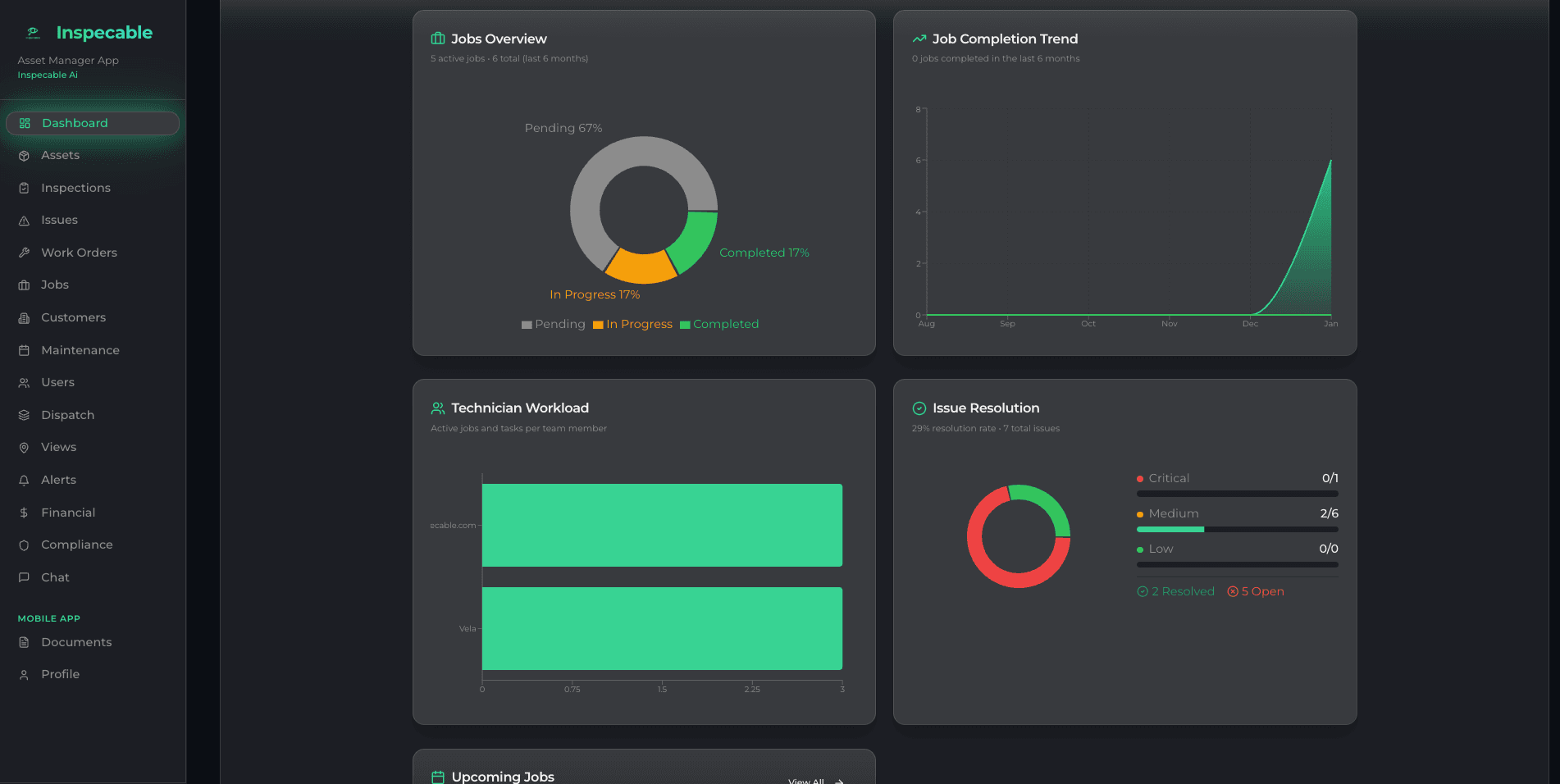
Cost visibility, from field to boardroom
- Every work order and part logged against its asset (Operations plan)
- Budgets and purchase orders on the same dashboard (Operations plan)
- XLSX and PDF exports for board packs and audits
Every defect gets an owner
When every defect raises a corrective action with an owner and a due date, and closure is refused without method, evidence and signature, the cost of a repair sits next to the inspection that found it.
- A failed item raises a corrective action with a due date on the spot
- A planned-maintenance register with overdue badges (Operations plan)
- A verifiable history on every inspection, from finding to sign-off
See how it works: explore all platform features.

Following one repair from the inspection to the board pack
Finance rarely sees a defect until it has become an invoice. Inspecable puts the inspection, the repair and its cost on the same asset record, so the question “what did this machine cost us, and why” has one answer.
- The cheapest moment
The defect is caught on inspection
A failed item raises a tracked issue with a due date on the spot, before it becomes a breakdown. The finding-ageing and corrective-action lifecycle reports show how long defects stay open, by site, which is the early warning on repair spend.
How corrective actions close - The repair
The cost lands on the machine
On the Operations plan the repair is a work order raised from that issue, with the parts deducted from stock on completion and purchase orders tracked against the parts they pay for. The spend sits on the asset it was spent on.
The Operations edition - The asset record
History before the renewal decision
Every asset carries its inspection history, a timeline and a health score. On the Operations plan, depreciation and total cost of ownership are held on the same record, so a replace-or-repair decision starts from the machine’s own data rather than three spreadsheets.
The asset register - The board pack
Exports finance can use
Catalogue reports export to XLSX and PDF, and asset, action and inspection lists export to XLSX; work-order and purchase-order lists join them on the Operations plan. Finance works from the same records operations do.
- The cost of the system
Priced in rand, per user and per asset
R150 per field user and R250 per admin per month, assets from R80 a month stepping down above 200 and 500, and onboarding from R15,000 once-off, all ex VAT and billed in rand. There is no per-site licence. Test the payback on your own numbers first.
Inspection ROI calculator
What it is not: an ERP or a general ledger. Your accounting system stays the book of record; Inspecable holds the asset-level operational cost behind it, and a REST API is available on request.
Tools built for the numbers conversation

Asked before choosing
Built first for mines under the Mine Health and Safety Act and process plants under the OHS Act.
Ready to see the cost on every asset?
See depreciation, TCO and purchase orders on your own asset base in a short walkthrough.